Build Your Roxstar Family
Connect, collaborate and grow together with your Family.
What is a Family?
A Family is a collaborative sanctuary designed for connection, shared experiences, and mutual growth. It serves as a supportive hub for exchanging insights, maintaining momentum, and participating in collective milestones. By joining or building a Family, you integrate into a dedicated network that champions success, ensuring every interaction is both purposeful and rewarding.
Creating a Family
Here's how you can create a Family:
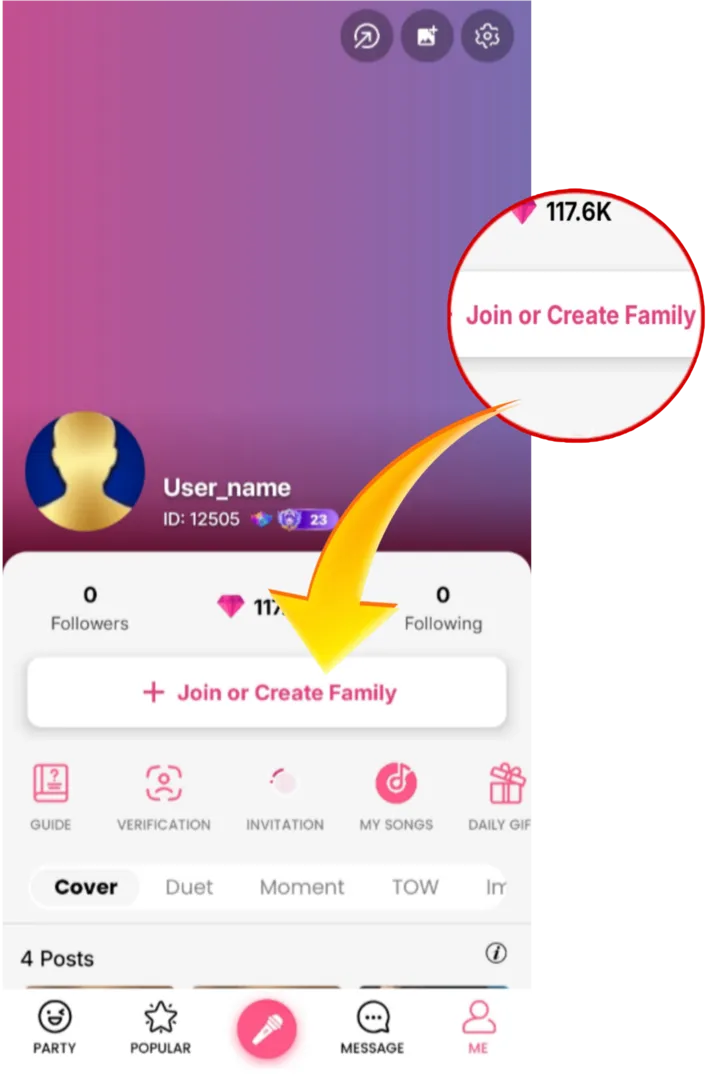
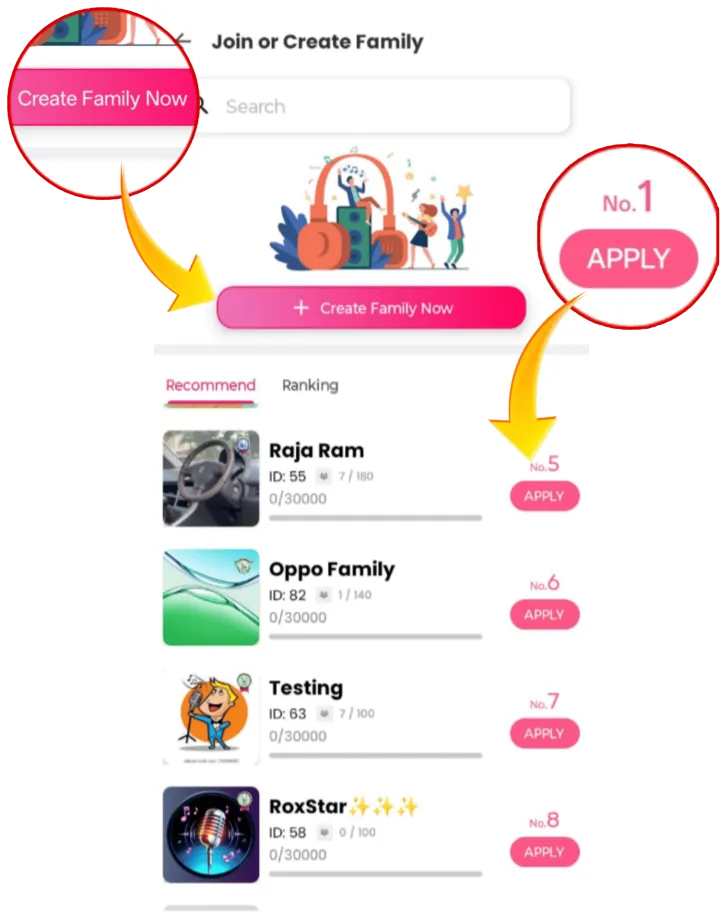
- Tap "Join" on the "Me" page, then select "Create" to start creating your Family.
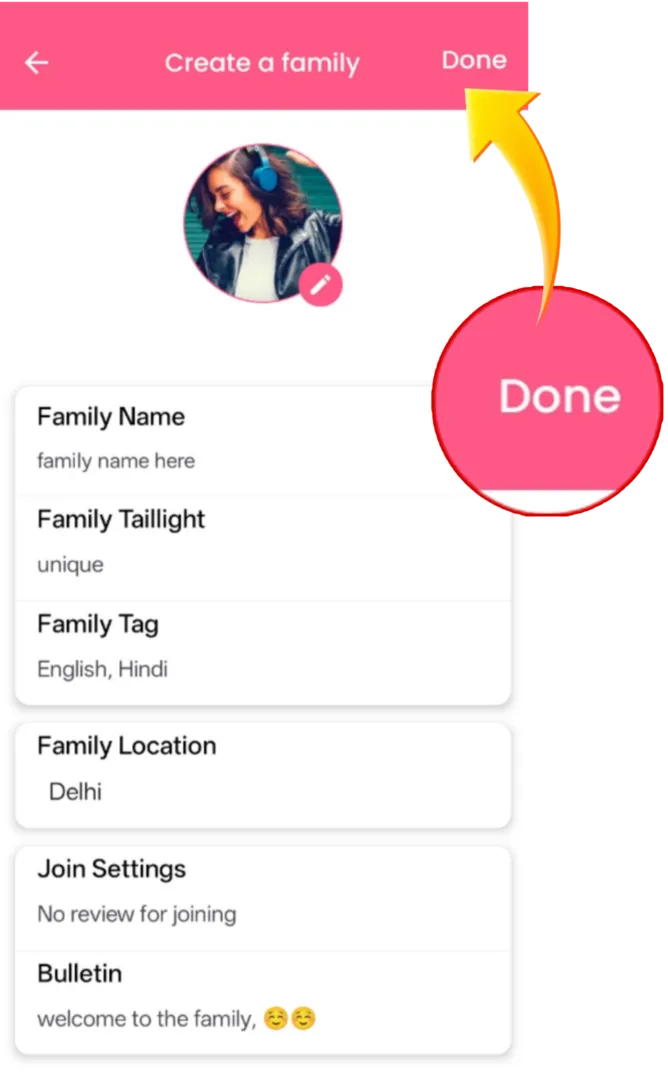
- Give your Family a name and configure membership settings, tail-lights, badges, and rules.
- Tap "Done" to create your Family.
Joining a Family
To join a Family:
- Tap the "Join" option on the "Me" page.
- Look through the list of available Families.
- Select the Family you wish to join and tap on "Join".
Engaging with Your Family: Chat, Levels, and Activities
Interacting with your Family will enrich your experience within the app even further. Here's a guide on how to access the chat, Family levels and rules, and how to participate in Activities:
Family Group Chat:
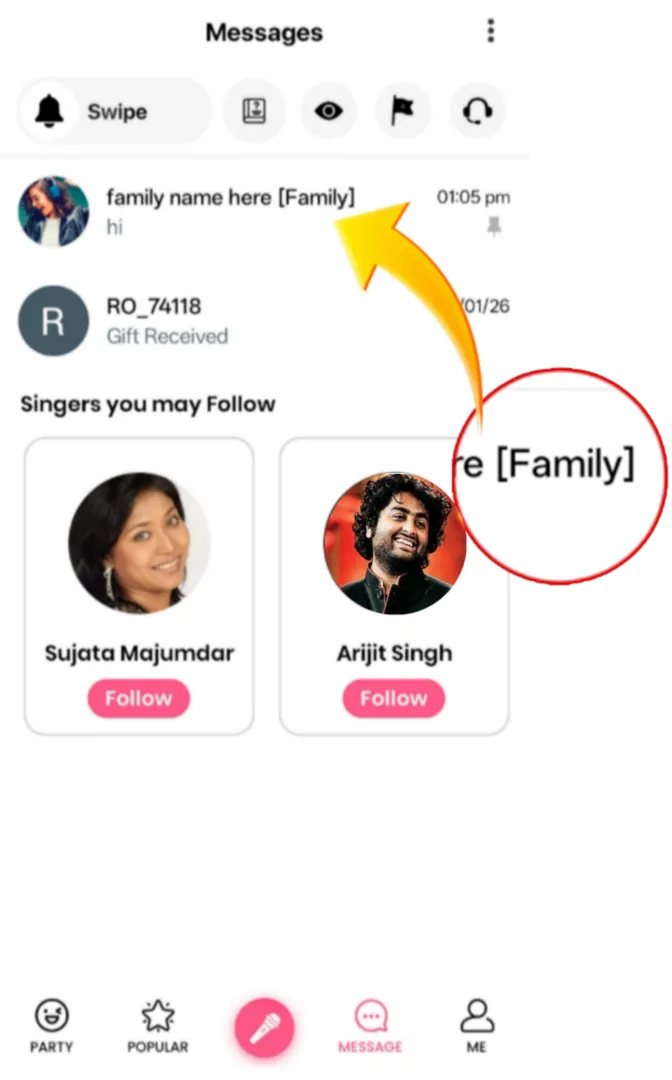
Go to the Family page and tap on "Chat" to enter the Family group chat, where you can communicate and share with your Family members.
View Family Level and Rules:
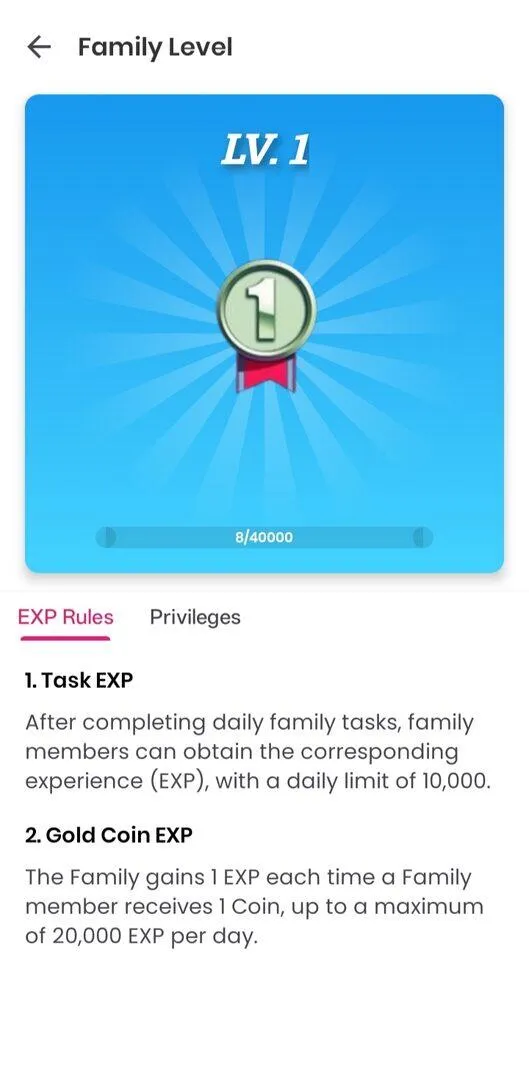
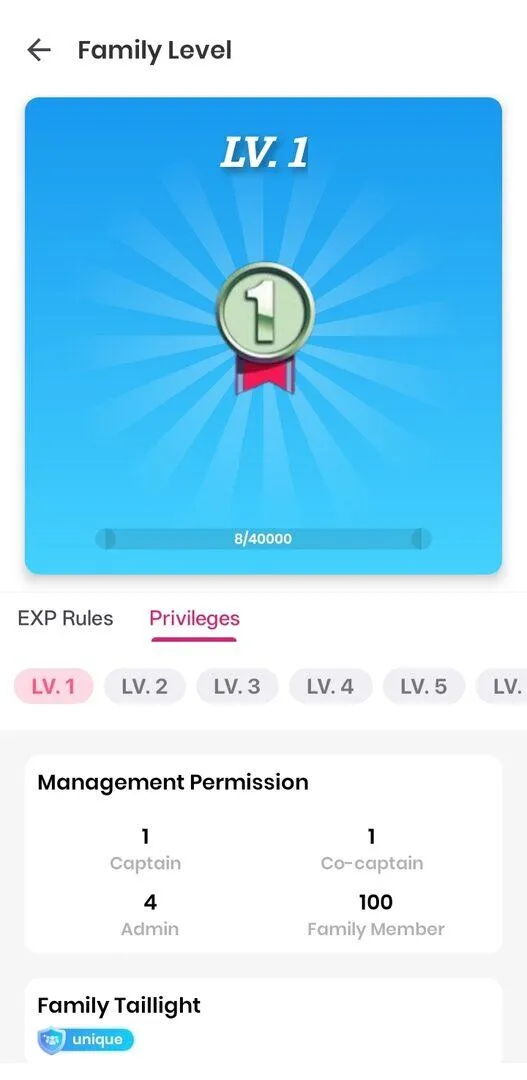
On the Family page, tap the "Today's EXP" bar to access the Family Level page. You can view the EXP rules and the privileges associated with different Family levels.